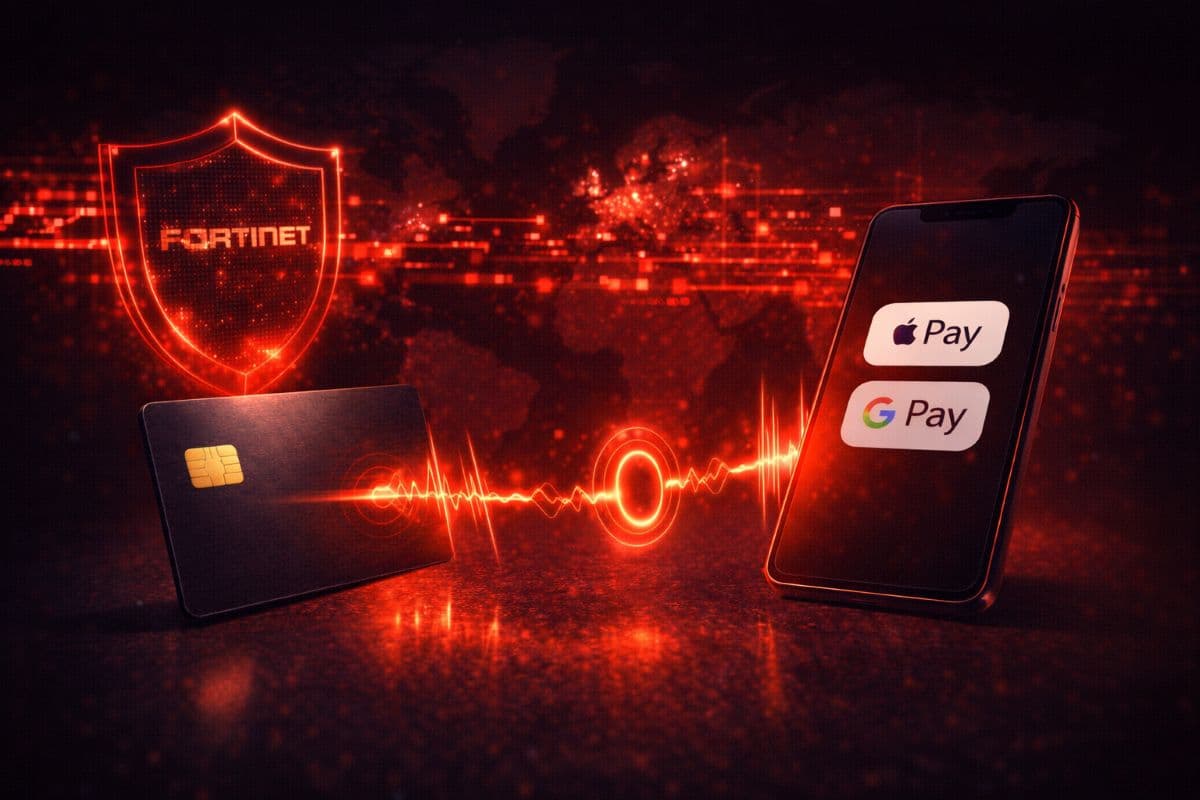
RedotPay has added Apple Pay and Google Pay support, bringing tap‑to‑pay to a wider set of cardholders. This sounds like a simple convenience update, but it also changes the day‑to‑day security model for users who previously relied on physical cards.
This guide explains what mobile wallet integration actually changes, what it does not change, and how to validate your setup if you use RedotPay as your primary off‑ramp.
Why This Topic Matters Now
Mobile wallets are the default payment method in many markets. Once a card supports Apple Pay or Google Pay, the practical friction of crypto spending drops sharply: no physical card required, faster checkout, and less exposure to card skimming.
For crypto card users, that reduction in friction and exposure matters more than it does for traditional cards because the funding source is often a digital asset balance. Less physical risk at point of sale means less risk of downstream account compromise.
Core Explanation (Direct Answer Format)
RedotPay’s update enables Apple Pay and Google Pay, which lets users pay with a tokenized virtual card instead of exposing the real card number. Mobile wallets use device‑level security and tokenization to reduce the risk of card data theft during transactions. That means your phone can now be the primary “card,” with the physical card as a backup.
This is a usability upgrade, but it also shifts your risk profile: fewer card‑present transactions, fewer opportunities for skimming, and easier replacement if a device is lost.
Market Benchmarking and Cost/Risk Math
A practical security benefit of mobile wallet usage is reduced exposure to physical compromise:
Physical card risk:
Lost card or skimmed card data → reissue wait time and potential exposure window.
Mobile wallet usage:
Tokenized transactions + device lock → shorter exposure window and faster recovery.
The ROI is not a direct dollar amount. It is a reduction in risk events over time. For anyone using a crypto card daily, that matters more than a small reward difference.
Common Mistakes or Myths
Myth 1: "Adding Apple Pay makes my card less secure."
Apple Pay uses tokenization and device security to protect your card details, which generally improves security versus physical card swipes.
Myth 2: "Google Pay works everywhere the card is accepted."
Most terminals support it, but some legacy systems still require a physical card. Keep your physical card as backup for travel or older terminals.
Myth 3: "Tap‑to‑pay changes fees."
Mobile wallet usage changes the payment method, not the card’s fee structure. Your card’s fee model remains the same.
If you want a broader view of card fee structures, compare options in Crypto Card FX Fees: 2026 Guide. For RedotPay specifics, start with the RedotPay card profile.
FAQ
How do I add my RedotPay card to Apple Pay or Google Pay?
Use the RedotPay app to add the card to your wallet and follow the verification steps.
Does this work with the virtual card?
In most cases, yes. Mobile wallets typically support virtual cards as long as the issuer allows provisioning.
Do I still need the physical card?
It is recommended as a backup for regions or terminals that do not support tap‑to‑pay.
Does this increase my spending limits?
No. It changes the payment method, not the issuer limits.
Overview
RedotPay’s Apple Pay and Google Pay support is a meaningful upgrade for everyday usability and security. Tokenized mobile wallet transactions reduce exposure at point of sale and make crypto card spending feel closer to traditional fintech.
Actionable Takeaway: Add RedotPay to your mobile wallet and run a small test transaction. If it posts correctly, make tap‑to‑pay your default and keep the physical card as backup.
Recommended Reading
- /blog/crypto-card-fx-fees-analysis/
- /blog/how-crypto-card-cashback-works/
- /blog/cashback-mcc-reward-exclusions/